
moko
A local development environment for macOS, with PostgreSQL, MariaDB and PHP ready to use.
in three lines
- Running a database and a PHP server on a Mac usually takes a terminal, Homebrew and manual setup.
- A native SwiftUI app that ships PostgreSQL, MariaDB and PHP, with a database browser and an SQL console.
- It has a built-in MCP server: AI agents query and change local databases with your permission.
- role
- Creation, design and development
- year
- 2026
- runs on
- macOS 26, Apple Silicon
- license
- GNU GPL v3
- github
- otavioaugustosw/moko
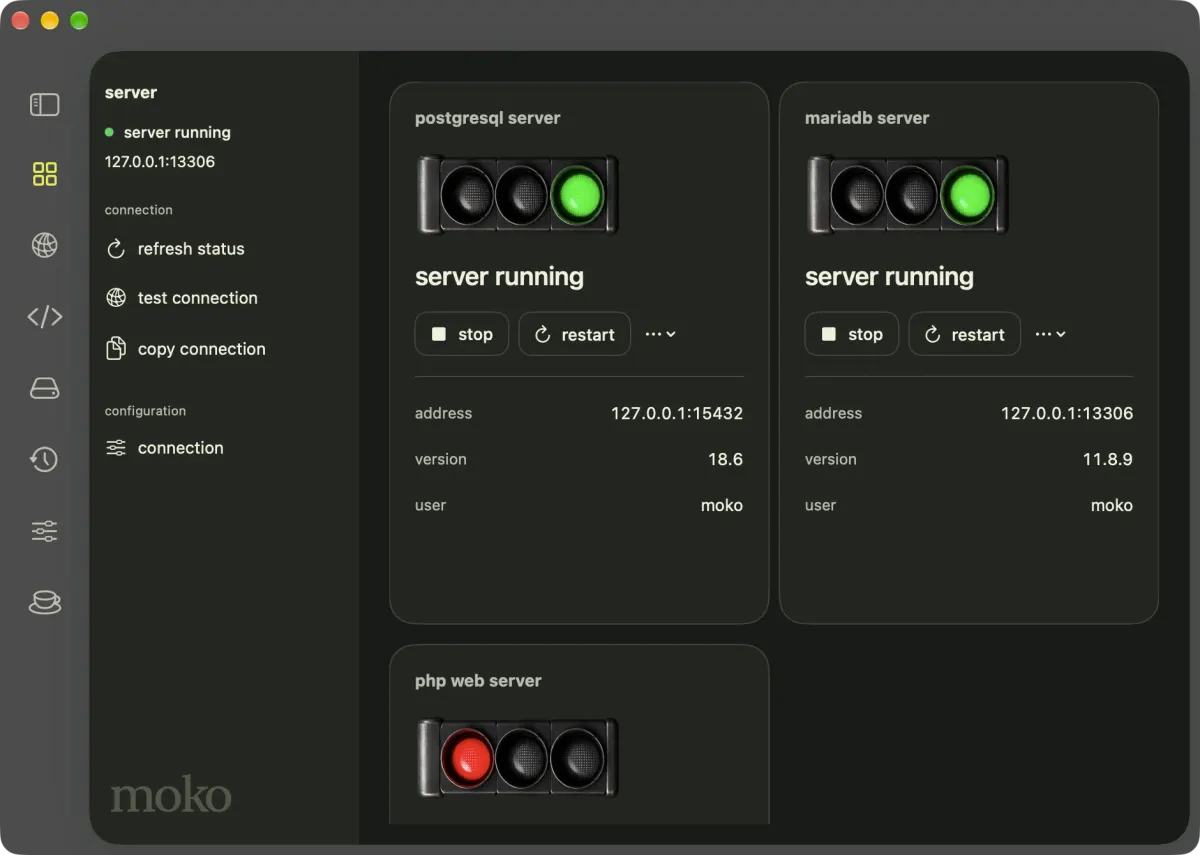

A traffic light for each server
moko brings together what is usually scattered: the PostgreSQL, MariaDB and PHP servers, connections to servers you already have and a database browser. Each included server has its own card, with a traffic light showing its state and buttons to start, stop and restart. No Homebrew and no administrator installer.
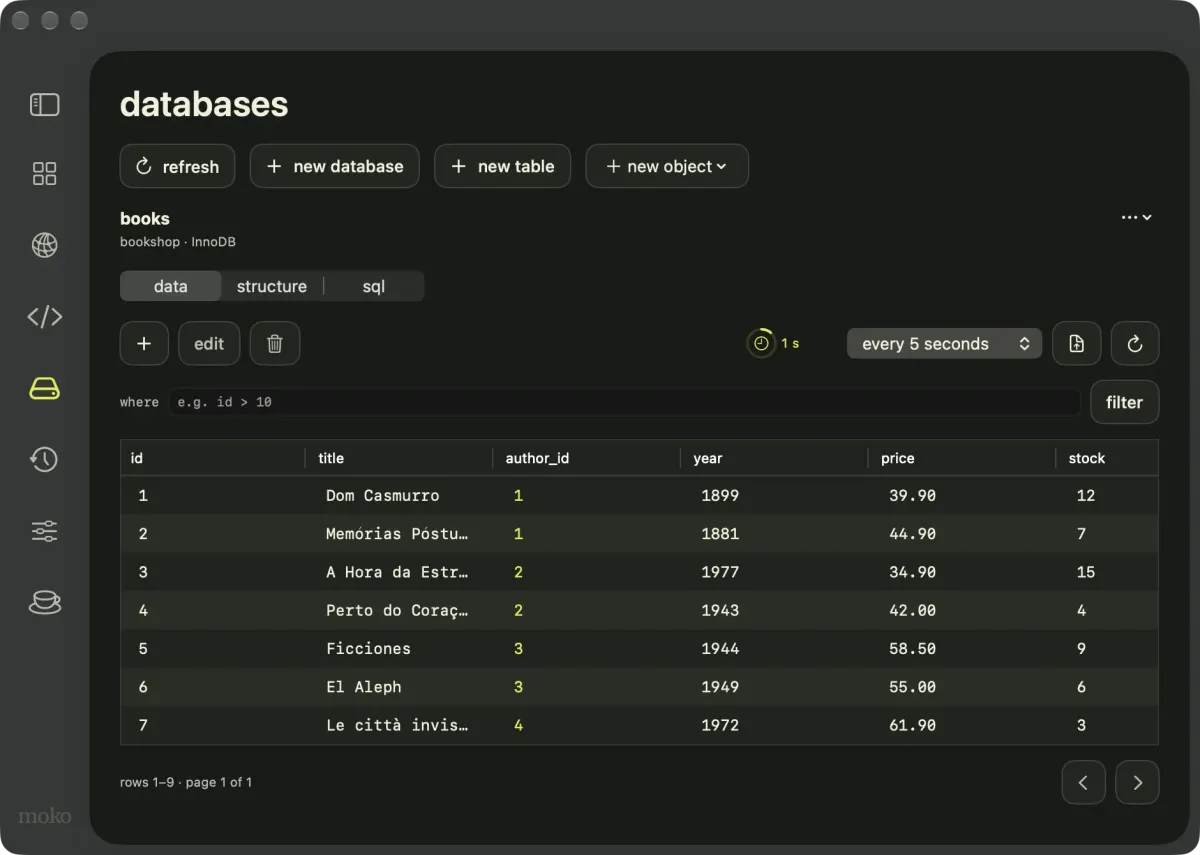
Show the SQL before applying it
Creating a table, column, index or foreign key goes through forms, and every change shows the SQL it will run before applying it. Anything that deletes data asks for a separate confirmation that says what will be lost. The same form serves PostgreSQL, MariaDB and MySQL, generating the SQL for each.
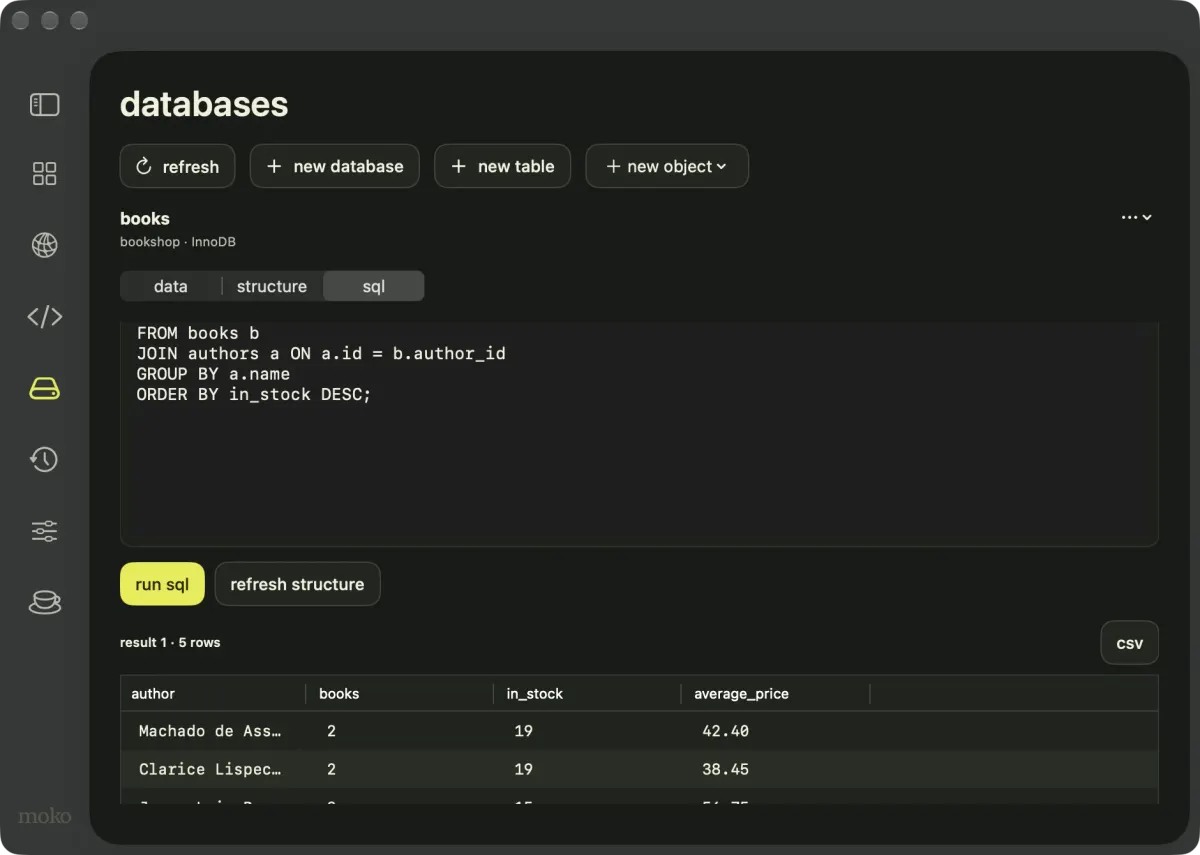
AI agents, with a brake
moko has a built-in MCP server. With it, an agent such as Claude Code lists the connections, reads table structures and runs SQL. Access is off by default; when turned on, it starts as read only, inside a transaction that cannot write. Passwords stay in the macOS Keychain and are never handed to the agent, and every call is recorded in a local file.
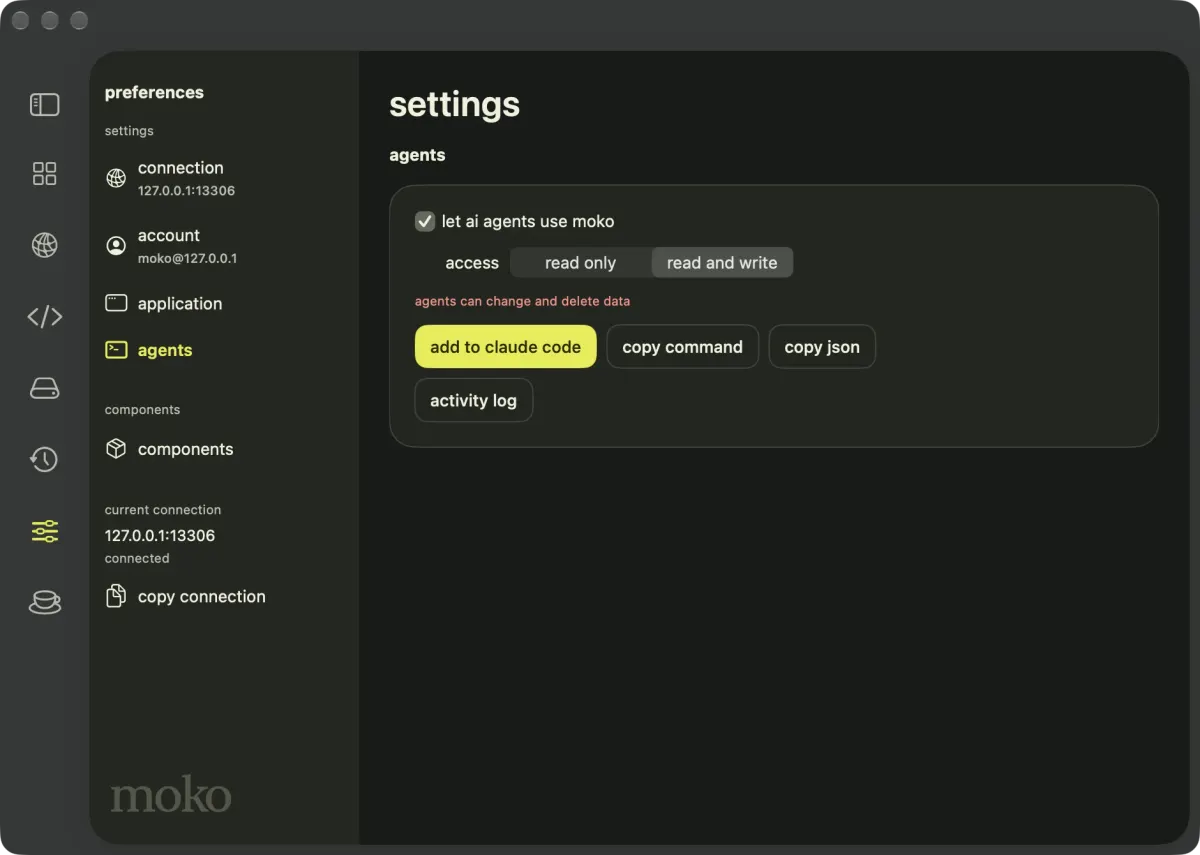
Identity
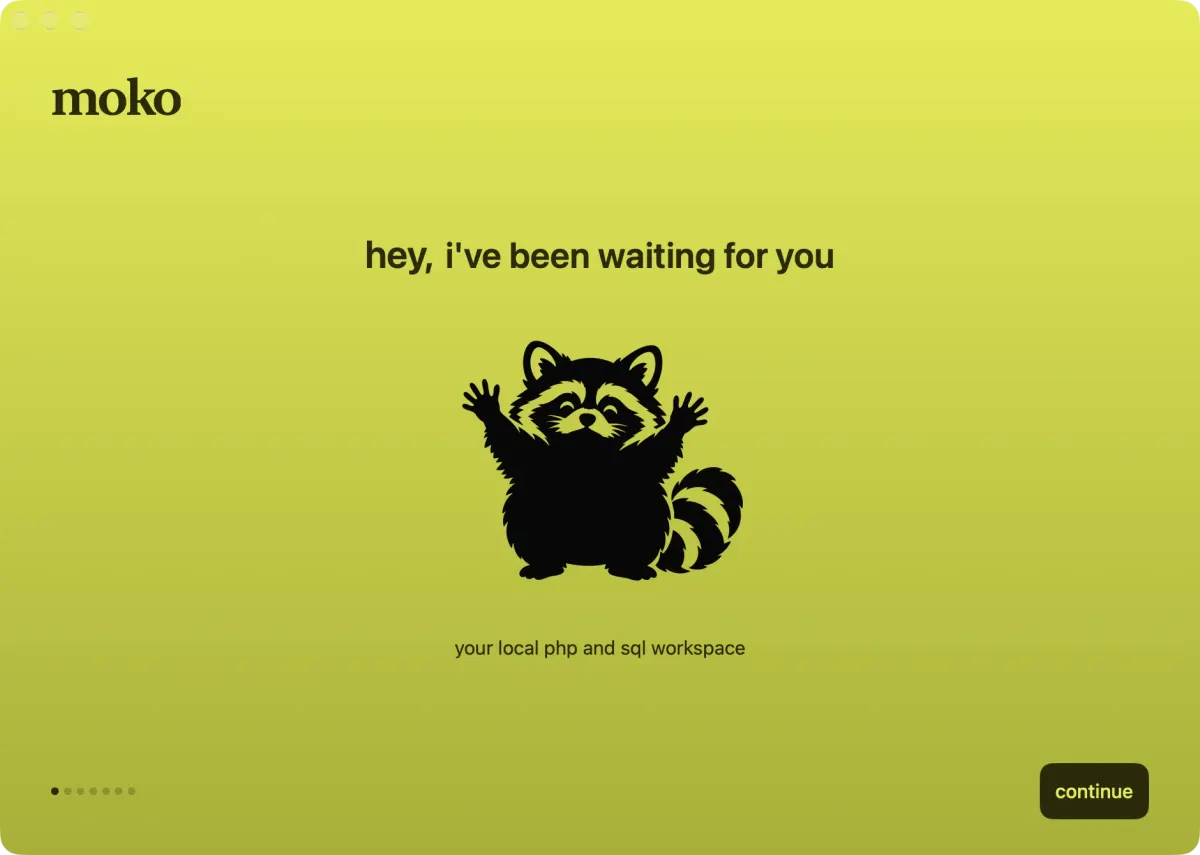
I loved making this project and giving a playful identity to a kind of tool that is usually complex and hard to find for what I need. moko (the raccoon) is the cutest!
 Swift
 AppKit
 C
 MariaDB / MySQL
 PHP